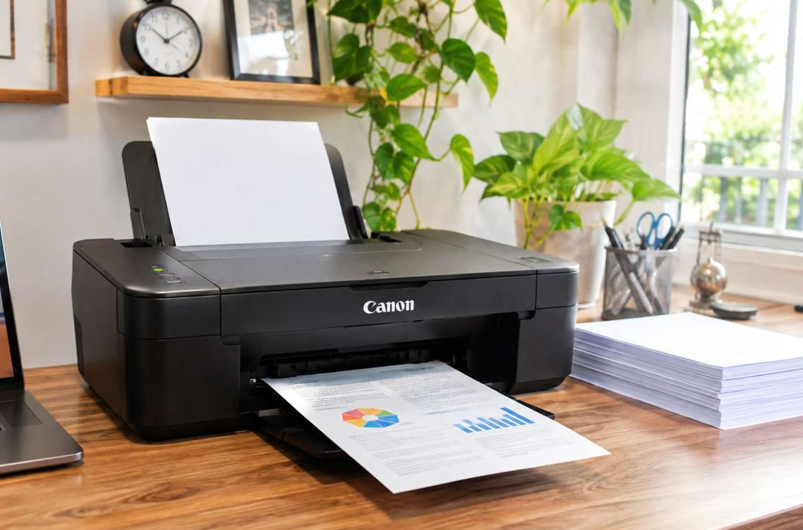
Most people only think about their printer when it stops working. Then it’s a rush. Phone calls, forum searches, a missed deadline.
Here’s the better way. A Canon printer, whether it’s a laser or an inkjet, doesn’t ask for much. A few small habits keep it printing cleanly for years. None of them need tools or technical skills. Let’s go through them.
1. Know What Kind of Printer You Have
Care depends a little on the type.
- Laser printers (like the imageCLASS range) use toner powder. They like dust-free, dry conditions.
- Inkjet and ink tank printers (like PIXMA) use liquid ink. They don’t like sitting unused, because ink can dry in the nozzles.
Most tips below suit both. Where they differ, I’ll say so.
2. Use the Right Cartridge
This is the big one. A cartridge that doesn’t match your model causes error messages, weak prints and leaks. Check the full model name, then match the code exactly. Canon codes often use “CRG” and a number.
Stick with good-quality Canon toner cartridges from a supplier who lists your model clearly. Very cheap, unknown cartridges can hold less powder or have poor chips. The saving doesn’t last.
3. Choose Good Paper
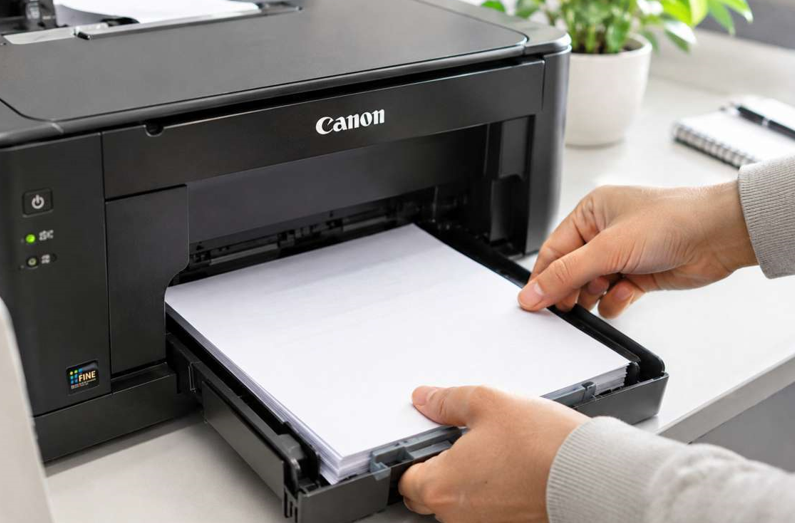
Paper causes more trouble than people expect. Damp, cheap or curled paper jams more and leaves dust inside.
- Keep paper in its wrapper until you need it
- Store it flat, somewhere cool and dry
- Don’t overfill the tray
- Fan the sheets before loading
- Match the paper type in your settings to what you loaded
Boring advice. It works.
4. Clean It Gently
Dust is a printer’s worst friend. Once a week, wipe the outside with a dry, lint-free cloth. Once a month, switch the printer off, unplug it and let it cool. Then wipe visible dust from the paper path and the trays.
A few rules:
- Never use water or sprays inside
- Don’t touch the drum, the fuser or the print head
- Don’t force any part open
- Let a laser printer cool first, since the fuser gets very hot
If you’re unsure, check your manual for the cleaning steps on your model.
5. Print a Little Every Week
A printer that sits idle for weeks gets unhappy. On an inkjet, ink can dry in the nozzles and cause streaks. On a laser, dust settles and parts stiffen. Print a test page or two each week. It keeps everything moving, and it shows you early if quality is slipping.
6. Give It a Good Spot
Where the printer sits matters. Try to keep it:
- Away from direct sun and heaters
- Out of damp or very humid rooms
- In a place with room for air to flow
- On a steady surface
- Close to your router, if it uses Wi-Fi
A printer in a closed cupboard runs hot. Heat wears parts out faster.
7. Listen for Early Warnings
Printers usually hint before they fail. Watch for:
- Paper jams that keep coming back
- Lines or streaks on every page
- Faded prints even with fresh toner or ink
- Grinding, clicking or squealing noises
- A burning smell
- Error codes that won’t clear
Early problems are cheap to fix. Late ones aren’t. If you notice any of these, a reliable Canon printer repair service can find the cause before it grows into a bigger repair. Waiting rarely makes it cheaper.
8. Replace Supplies on Time
Don’t run cartridges to the very last page. Order a spare when the first low warning appears. Running completely dry can cause streaks and, on inkjets, air in the system. Keep one spare, sealed, in a cool, dry place. Not five. One.
A Simple Weekly Routine
Five minutes is enough:
- Print a test page and check for lines or fading
- Look at the toner or ink level
- Wipe the outside with a dry cloth
- Check the paper tray and remove any curled sheets
Pick the same day each week and it becomes automatic.
Easy Ways to Save Toner and Ink
Care isn’t only about the machine. You can stretch your supplies too.
- Use draft or economy mode for everyday pages
- Print double-sided when you can
- Preview before printing
- Print in black and white by default
- Keep spare cartridges sealed and stored properly
Small habits. Real savings over a year.
Common Mistakes to Avoid
- Pulling stuck paper out fast
- Using water or spray cleaners inside the printer
- Touching the drum or the print head
- Ignoring “low” warnings until the printer stops
- Buying cartridges without checking the model code
- Opening the printer without training
Slow and gentle wins every time.
When Should You Get Extra Help?
Ask a technician if:
- The same problem returns after you’ve cleaned and reset
- Prints stay poor with new supplies
- You hear unusual noises
- The printer shuts down or restarts by itself
- You’re not sure what’s wrong
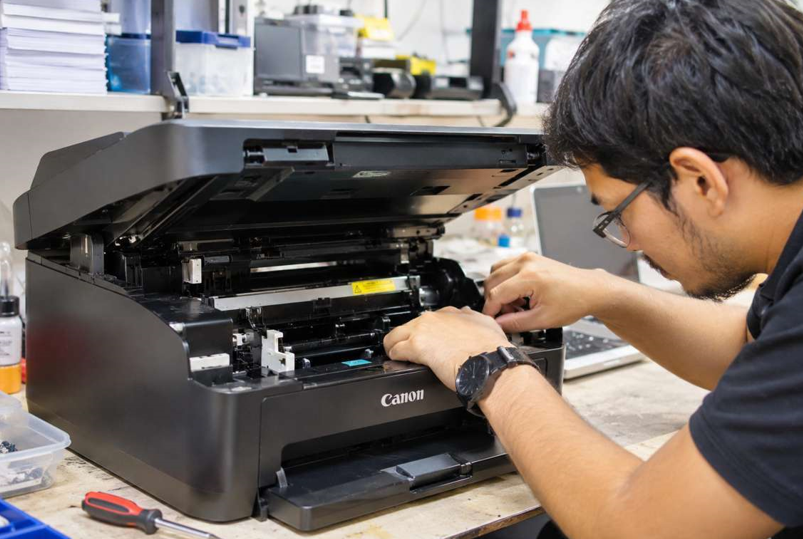
Please don’t take the printer apart yourself. Parts inside can get very hot, and small pieces break easily.
Final Thoughts
Looking after a Canon printer is mostly common sense. Use the right cartridges. Use decent paper. Keep it clean, print regularly and give it some breathing room. Pay attention when it starts to complain. Do that and your printer will keep giving you clean pages for a long time, and you’ll rarely have to think about it.